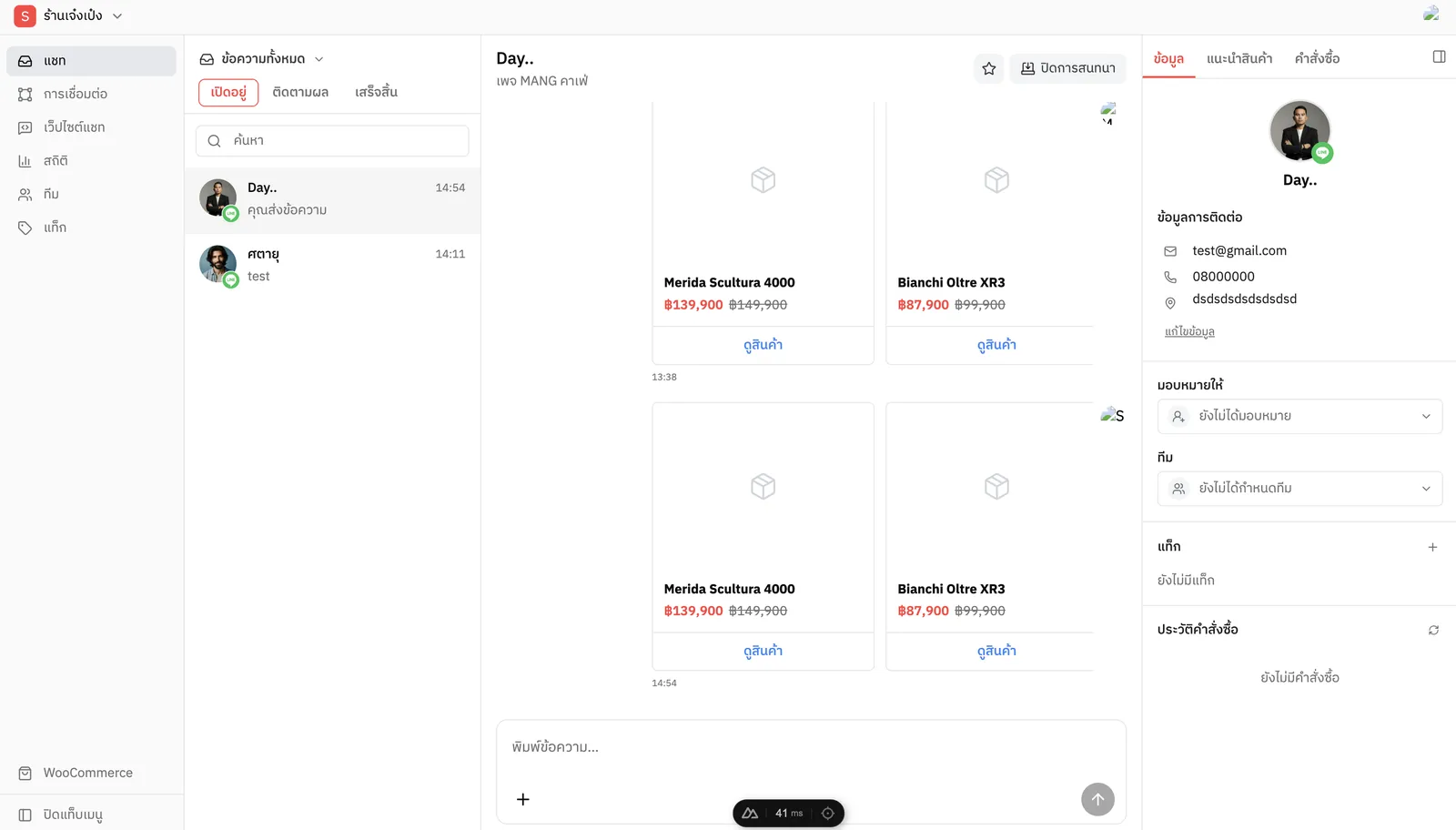
Small shops answer customers on LINE, Facebook and their own website, and end up losing orders between tabs. OneChat pulls every conversation into one inbox, shows the customer and their products right beside the chat, and lets a whole team share the work.
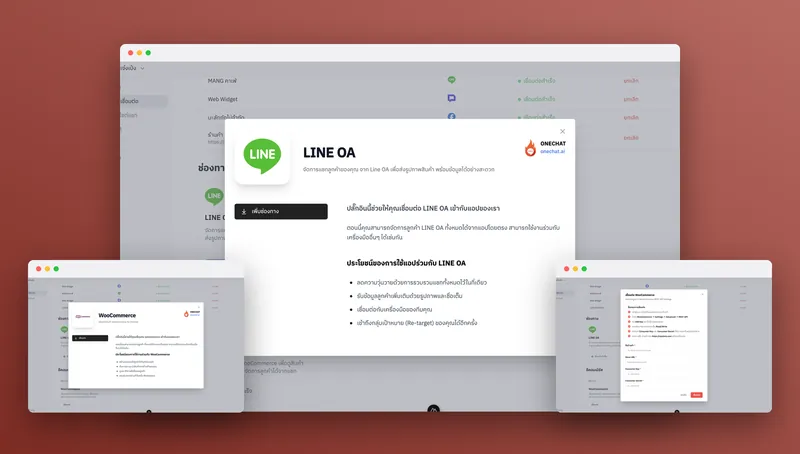
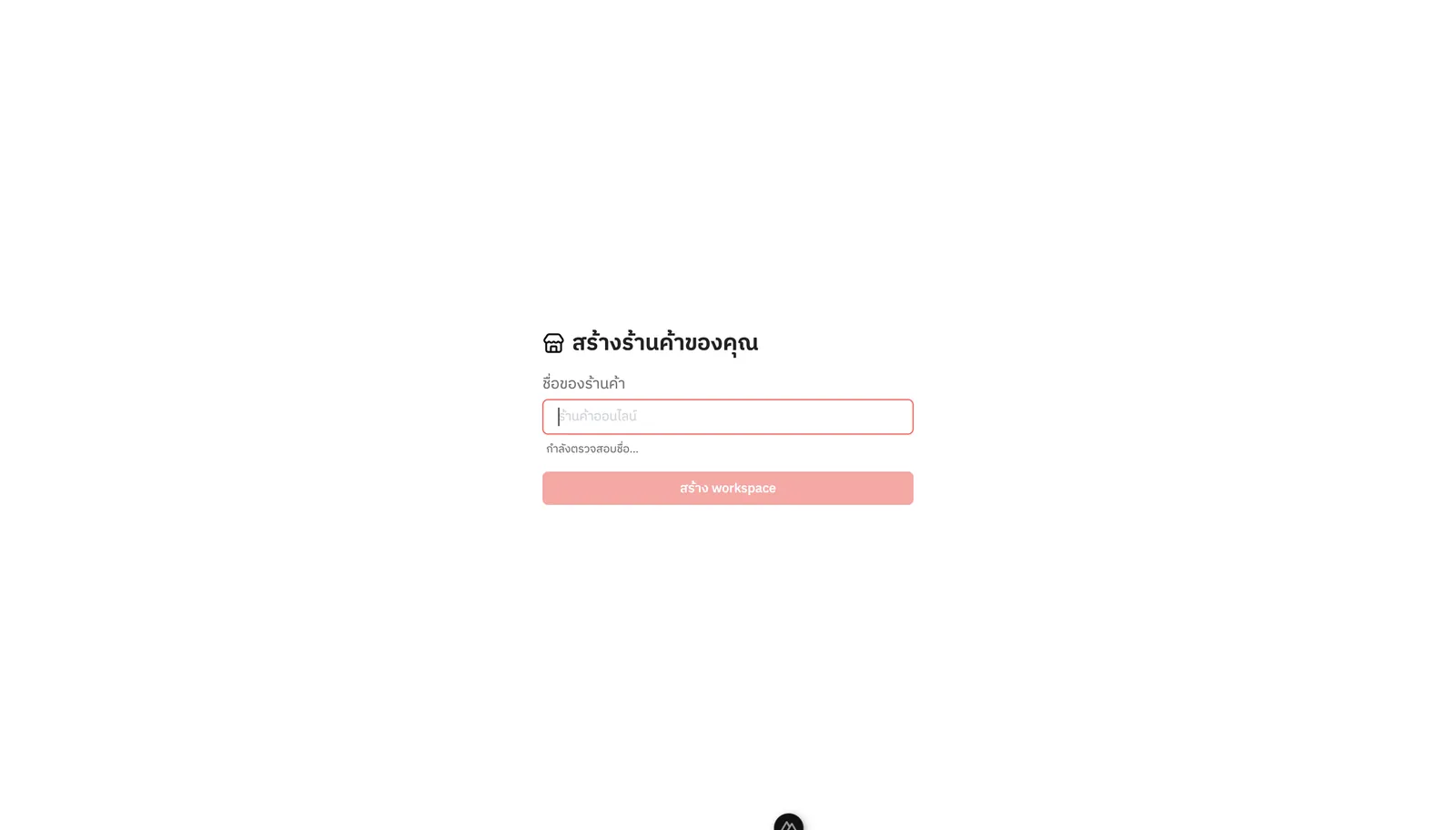
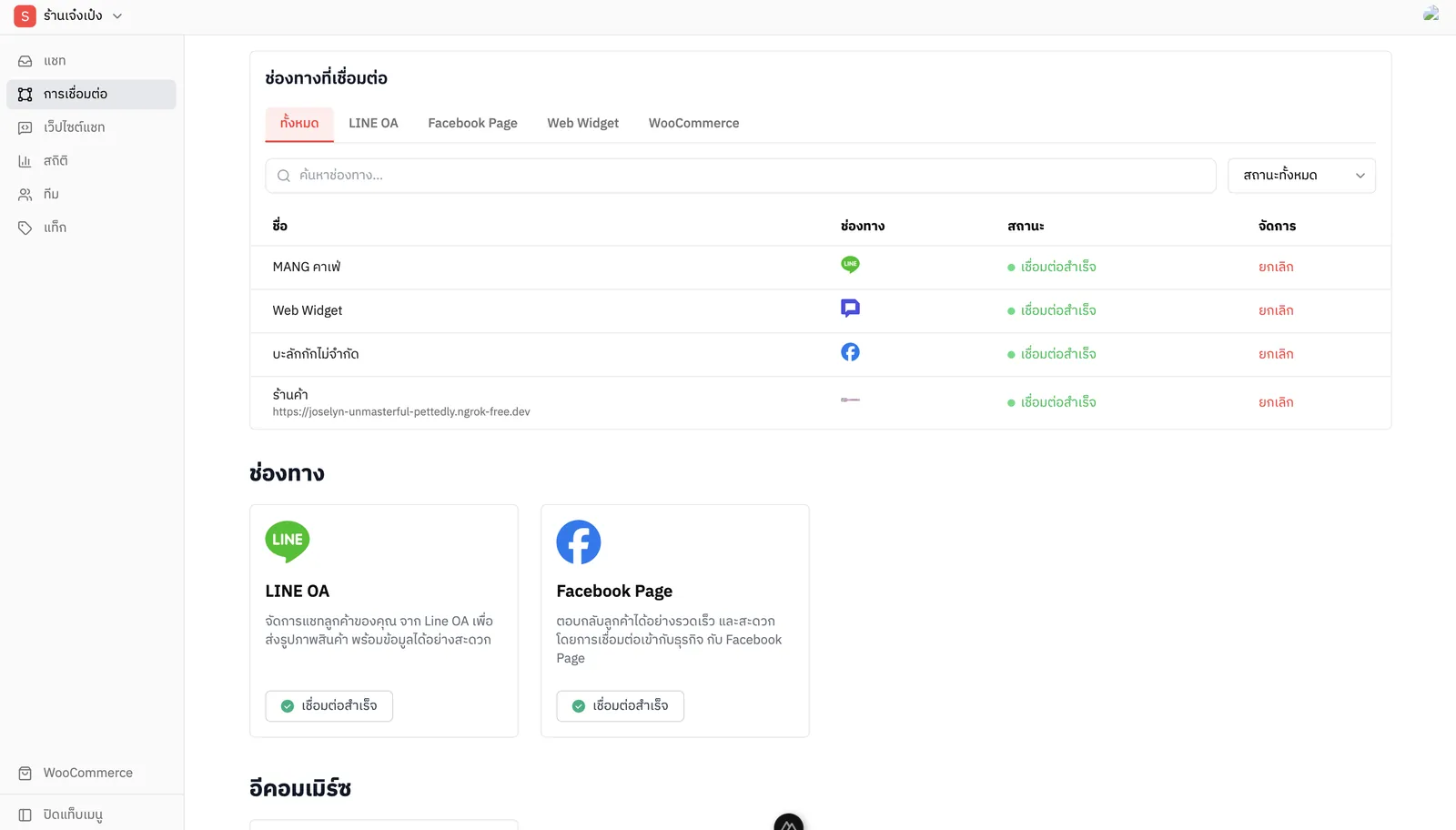
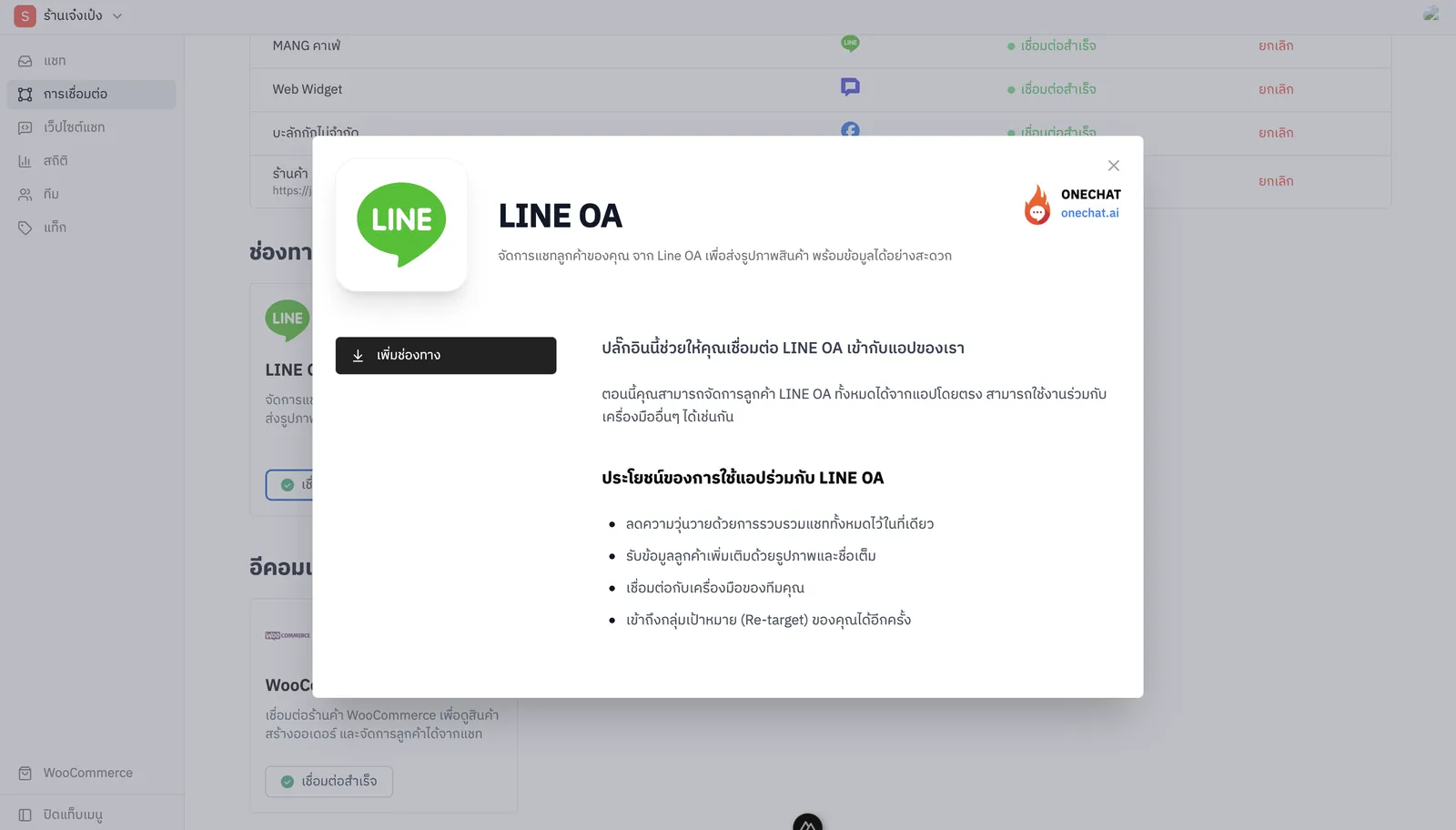
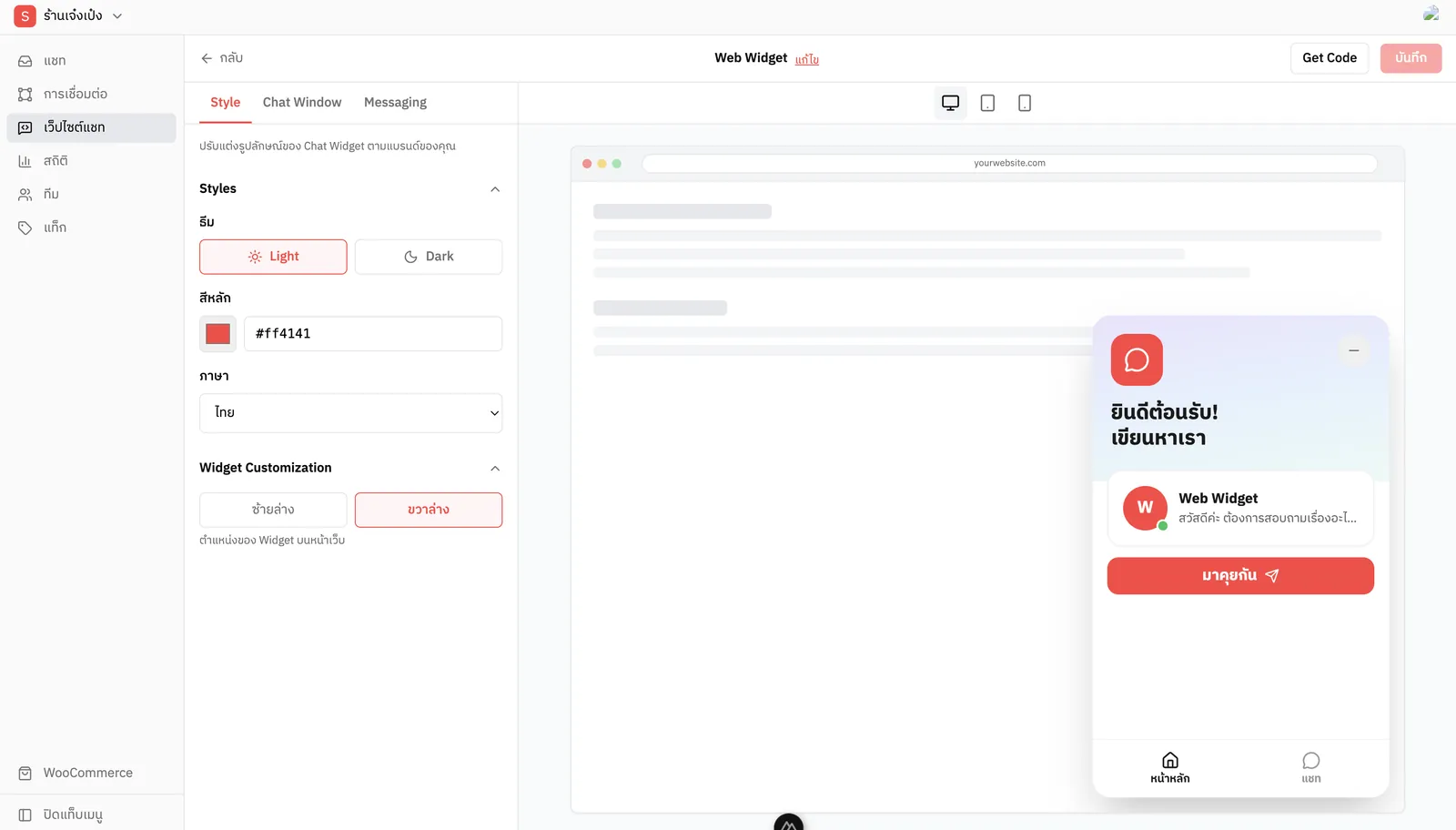
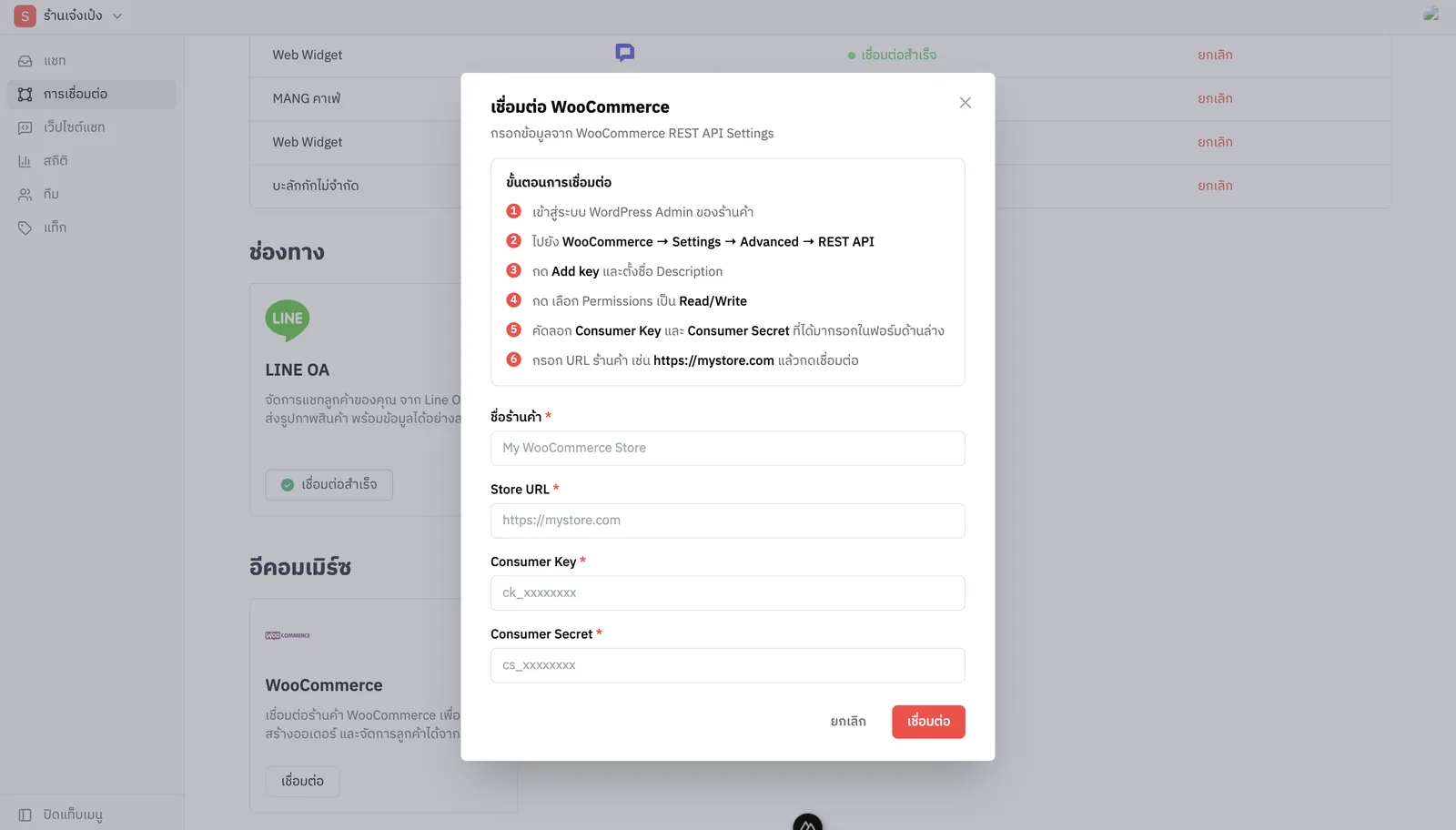
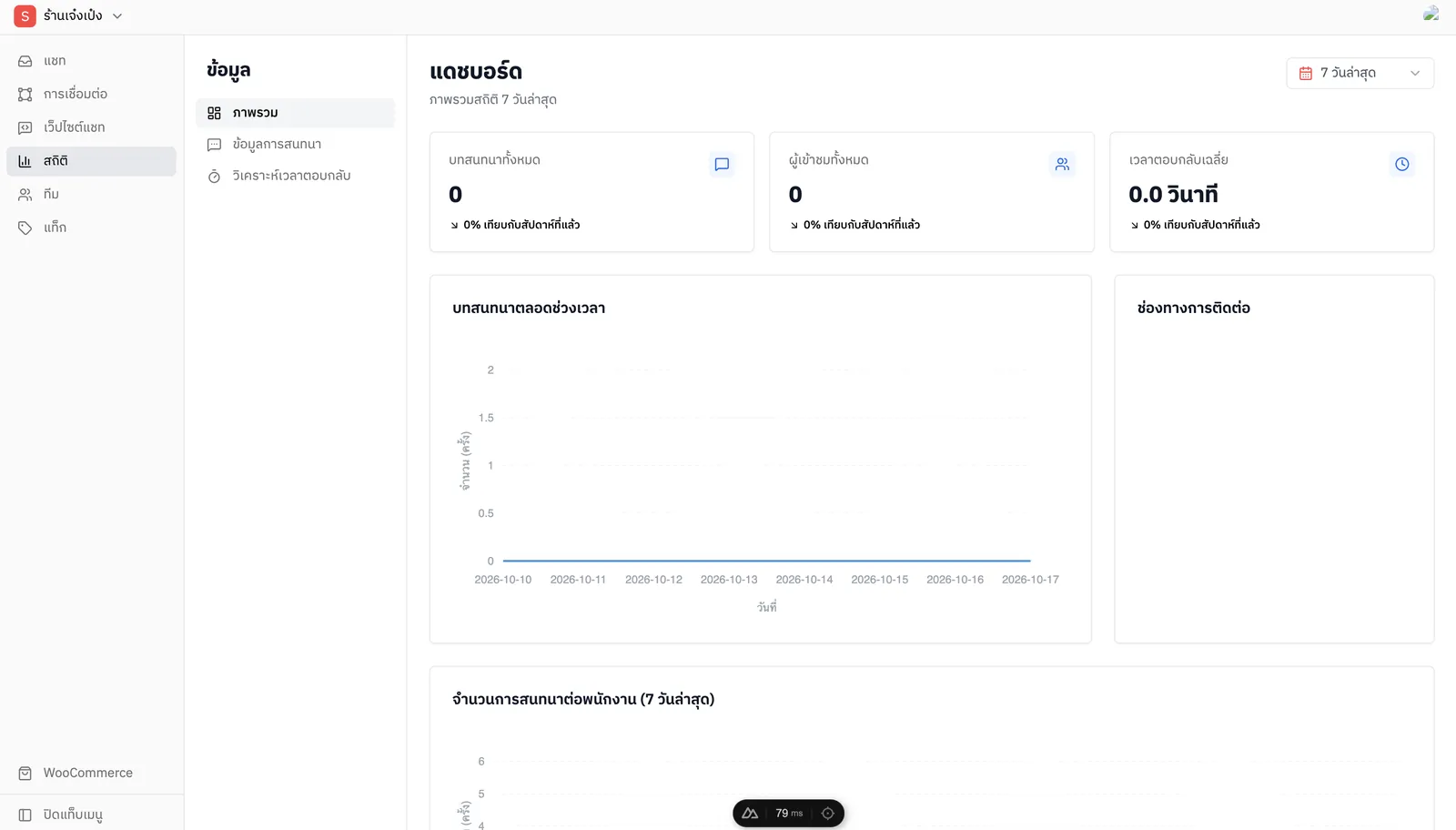
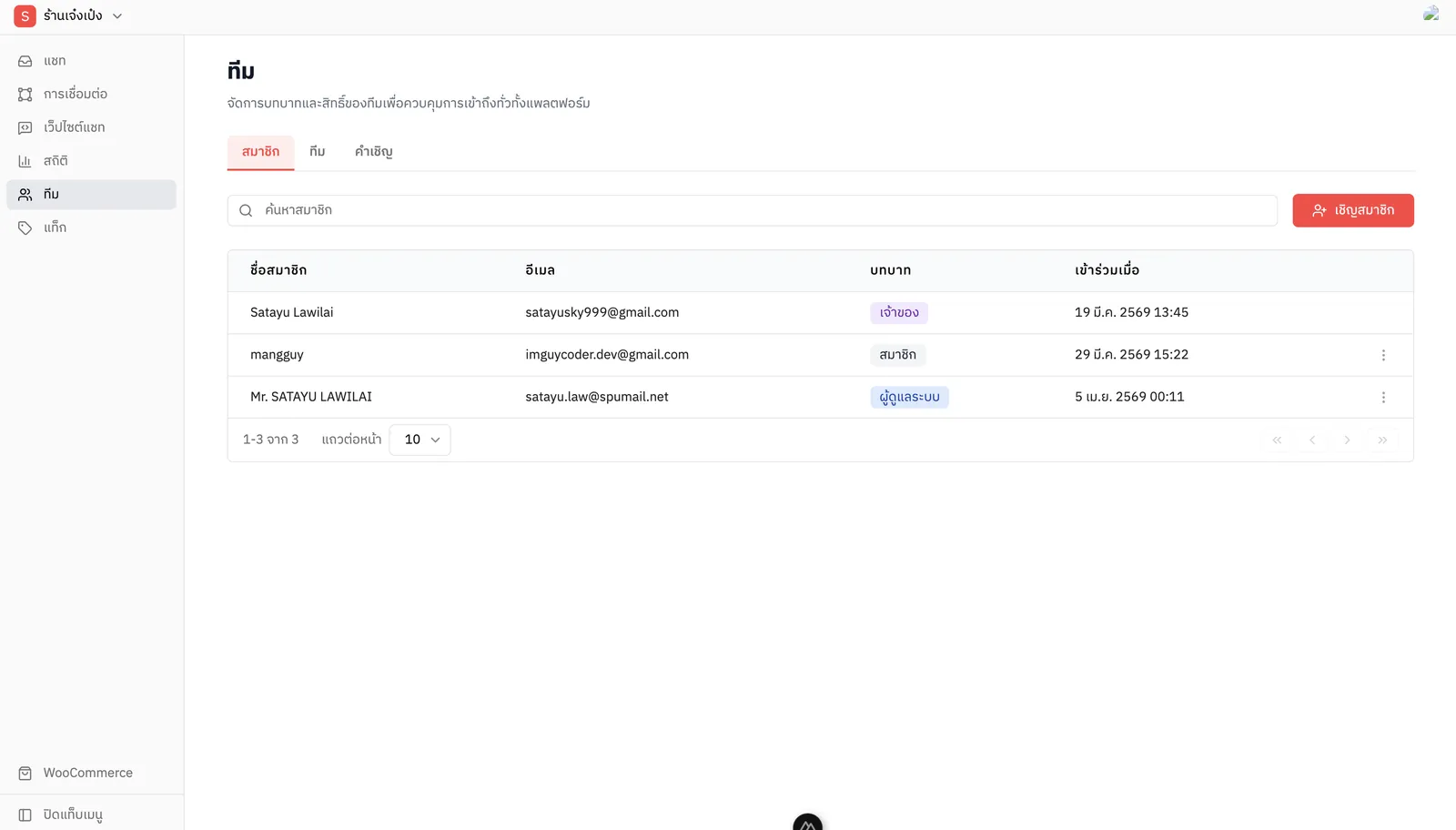
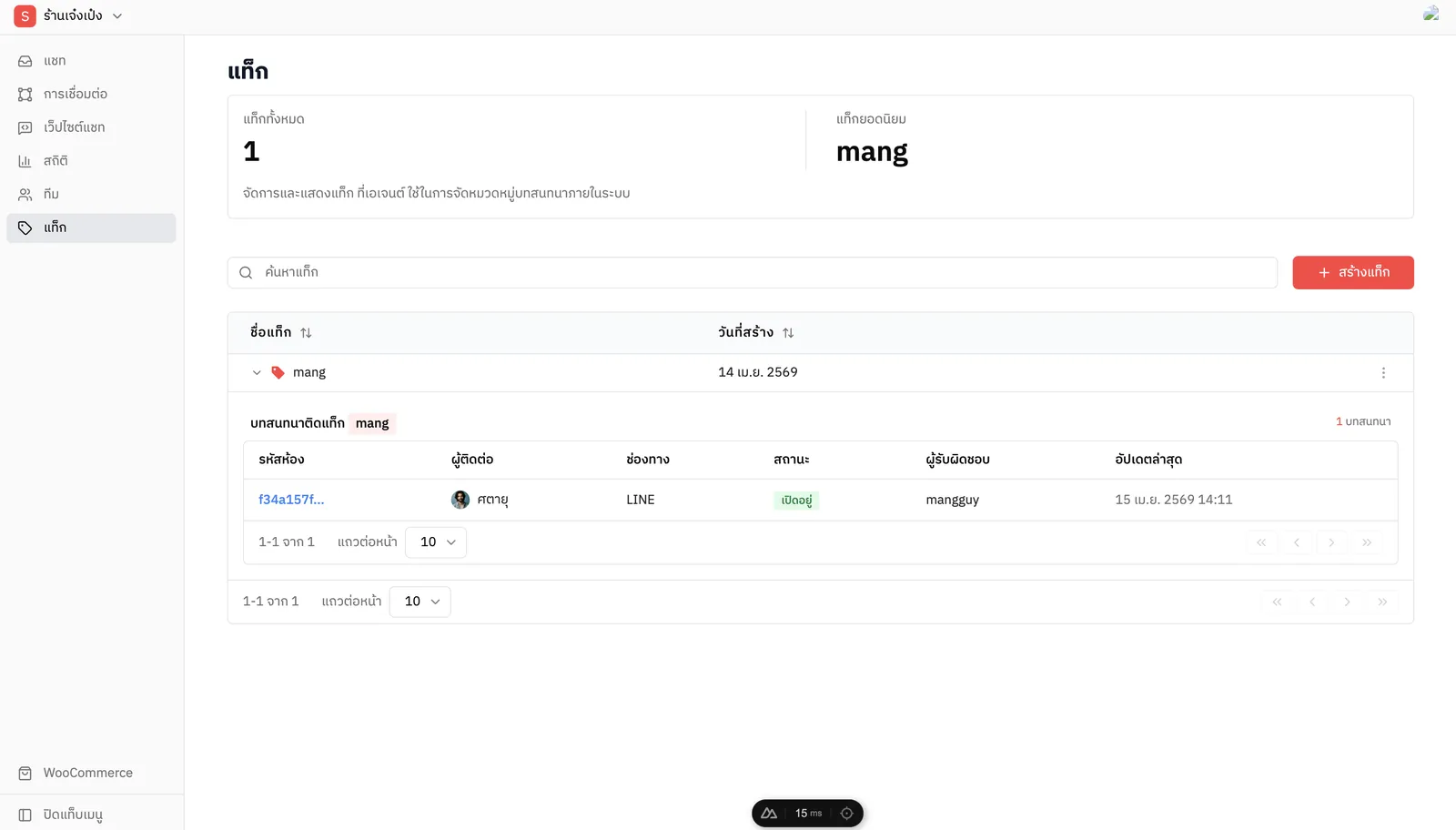
01 / 10 One-click Google sign-in to start.02 / 10 Create a store workspace in a single step.03 / 10 Unified inbox: chat, customer profile and product cards on one screen.04 / 10 Channels: LINE OA, Facebook Page, web widget and WooCommerce in one list.05 / 10 Guided LINE OA connection that explains the benefits before setup.06 / 10 Web chat widget builder with live preview, colors and language.07 / 10 WooCommerce integration with step-by-step API key instructions.08 / 10 Dashboard: conversation volume and response time over the last 7 days.09 / 10 Team management with roles for every member.10 / 10 Tags to sort and follow up on conversations.